

Description
What are you capturing, and can you legally capture it?
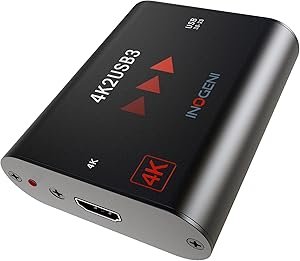
Capture devices are returned more often than almost any other category of AV hardware, and the reason is nearly always the same. Someone buys one to record from a cable box, a Blu-ray player or a streaming stick, plugs it in, and gets a black screen. The Inogeni 4K2USB3 states the reason directly in its own feature bullets: it is HDCP compliant, and it does not decrypt protected discs, satellite or cable receivers, or other encrypted sources.
That is not a fault. HDCP is copy protection built into the HDMI standard, and a device that ignored it would be a piracy tool rather than a professional product. But it is the fact that decides whether this box does what you want. If your source is a camera, a computer, a document camera, a microscope, a medical scope, a games console with protection disabled or any other unprotected HDMI output, it will work. If your source is protected content, no compliant capture device will help you and this one says so plainly.
The second question is what the capture is for. Inogeni positions this as a professional device: video conferencing, streaming, recording and editing, with specific compatibility named for BARCO ClickShare Conference. It presents itself to the computer as a standard camera, which is why it works in conferencing software without any driver installation. That plug and go behavior is the main reason to choose a device like this over a cheaper capture dongle that needs software.
The frame rate specification, stated two different ways
The product title says up to 60 fps. The feature bullets say up to Ultra HD 4K at 30 fps and 1080p at 60 fps. Both statements are on the same listing and they need reading together, because the title alone will mislead you.
The accurate reading is that 60 frames per second is available at 1080p, and 4K capture runs at 30 frames per second. For conferencing, presentations, document cameras and most recorded content that is entirely adequate. For capturing fast motion at 4K, such as sport or gameplay, 30 frames per second is a real limitation and it is the specification to check against your actual requirement before ordering.
The supported format list is otherwise generous: Ultra HD 4K at both 3840 and 4096 pixel widths, 1440p, 1080p, 1080i, 720p, 480p and 576p for video, plus computer graphics resolutions from 1920 by 1200 down to 640 by 480. Capture is uncompressed over USB 3.0, which is the point of the device, because compression at the capture stage is the thing you cannot undo later. Embedded HDMI audio is extracted and delivered as two channel LPCM, so sound arrives with the picture rather than needing a separate feed.
The warranty, which depends on when you bought it
One bullet states a limited two year warranty on parts and labor. Another bullet states five years for products purchased by the end user after August 1, 2024, and two years for products purchased before that date. Those are not contradictory once you read the dates, but the two year figure appears without qualification elsewhere on the page, so confirm which term applies to a unit bought today.
Living with it
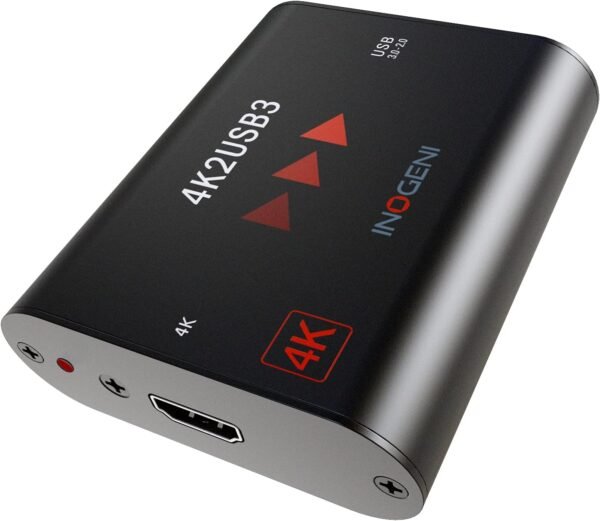
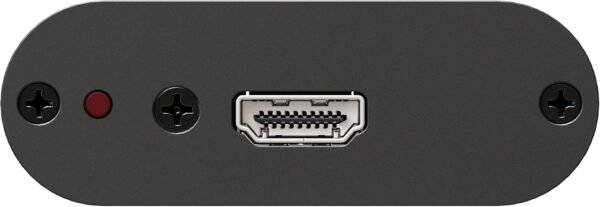
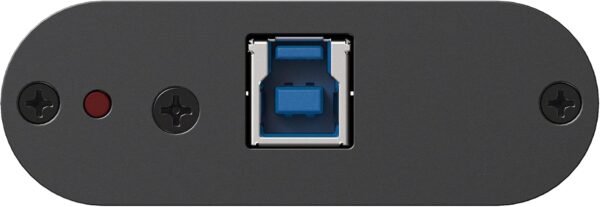
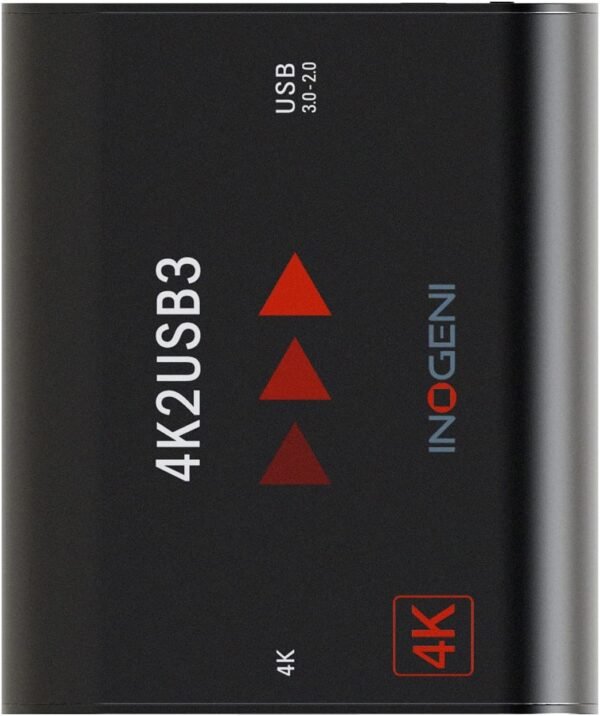
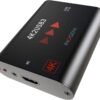
The device is small and simple: 2.76 by 3.27 by 0.9 inches, 4.2 ounces, powered entirely from the USB 3.0 port with the cable included. There is no power adapter to lose and nothing to configure. Inogeni describes internal frame buffers, which they call Digital Fluid technology, whose job is to keep the frame rate steady when the host computer is busy. That matters in practice, because a capture device that drops frames when the laptop is under load is the usual failure mode in a live setting.
Cable length is the constraint people hit next. USB 3.0 does not run far, and Inogeni sells a U-BRIDGE extender that the listing says enables 1080p USB 2.0 connections up to 100 meters. Note the downgrade in that sentence: extending the reach drops it to USB 2.0 and 1080p. If your camera is at the back of a room and the computer is at the front, plan for that.
Latency is the other thing to establish for a live use case, and the listing does not quantify it. Any capture path introduces a delay between what the camera sees and what appears on the screen, and the amount matters if a presenter is watching a monitor fed from the same signal. Test it in your own setup rather than assuming it is negligible.
The certification list is unusually complete and is worth something in institutional purchasing: FCC, CE, RoHS, IEC62368, RCM, VCCI, BSMI, CB, KC and MSIP, plus TAA compliance, which matters for United States government procurement. The unit is engineered and manufactured in Canada.
The evidence base is thin and mixed. The listing records 25 customer ratings averaging 3.6 stars, a first availability date of June 2015, and a rank of 741st in video converters. Twenty five ratings is a small sample and 3.6 is a modest average, though professional AV hardware sold mainly through integrators tends to accumulate few consumer reviews and disproportionately negative ones from buyers who bought it for the HDCP protected sources it explicitly does not support. The product description field on this listing is completely empty.
What would send you to something else
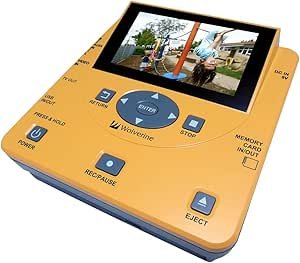
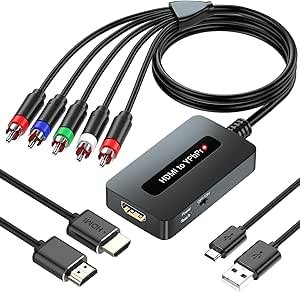
If the goal is digitizing old analog tapes rather than capturing HDMI, this is entirely the wrong device. The Wolverine TransMedia converter is built for that job and needs no computer at all. If the requirement runs the other direction, taking a modern HDMI source into an older television with component inputs, the HDMI to component converter covers that conversion. The video converters category separates those functions out.
If what you are building is a live production setup rather than a single capture path, an all in one switcher removes the computer from the equation; the YOLOLIV YoloBox Ultra is that category. And for a display that plays content on a schedule rather than capturing it, the BrightSign XT244 and the streaming media players category cover signage.
Who should buy the 4K2USB3
Buy it if you need reliable, driver free, uncompressed HDMI capture into a computer for conferencing, streaming or recording from unprotected sources, and you value certification coverage, TAA compliance and a device that presents itself as a camera without software. Bus powered operation and a 4.2 ounce body make it easy to move between rooms.
Do not buy it to record protected content from a cable box or a disc player, because it states outright that it will not decrypt those sources. And read the frame rate carefully: the title says up to 60 fps, while the specification is 4K at 30 fps and 1080p at 60 fps.