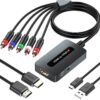
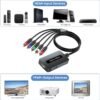
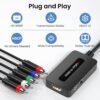
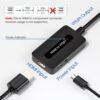
Description
What is the old television, and what are you trying to connect to it?
This is a single purpose object, and whether it works for you comes down to two questions you can answer before buying. What are the red, green and blue sockets on the back of your television actually rated for, and what is the device you want to plug into it?
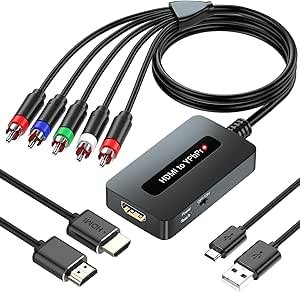
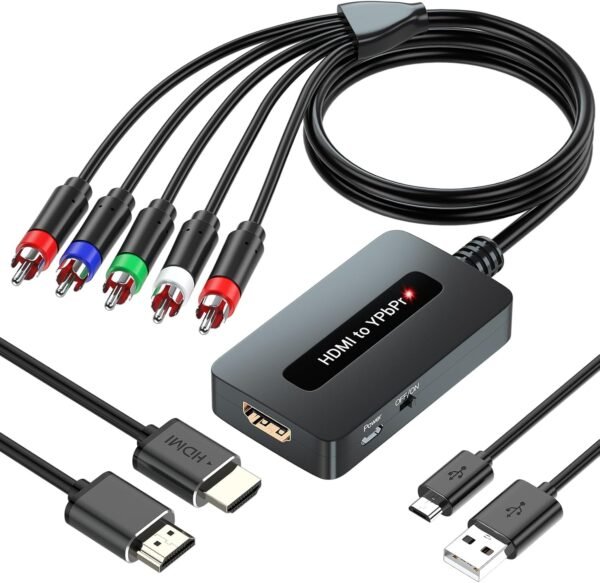
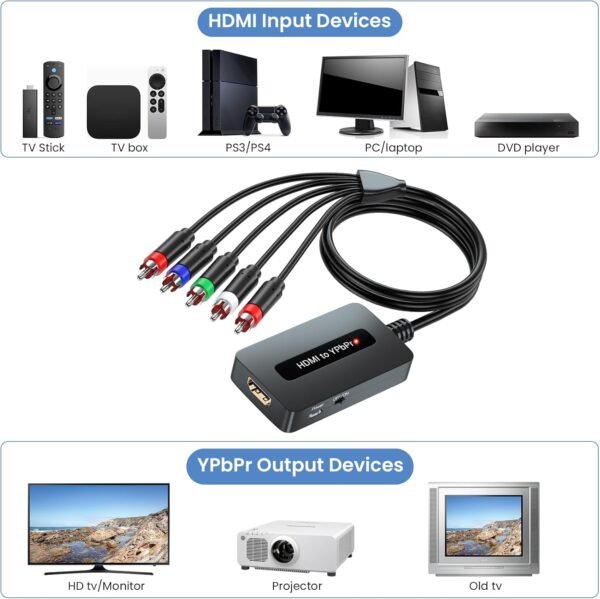
Component video, the three connector arrangement labelled YPbPr, was the high definition analog standard before HDMI took over. Some sets accept only standard definition through those sockets, some accept 720p and 1080i, and some accept 1080p. This converter takes an HDMI signal and produces component video plus a stereo audio pair, and the manufacturer is unusually direct about the constraint that follows.
The constraint is that there is no scaling. The listing states it twice, once in the description and once as the first feature bullet, and it is the most important sentence on the page: the component output resolution will be identical to the HDMI input resolution. If your source is outputting 1080p and your television only accepts 480i on component, nothing appears. You have to lower the source device’s output resolution to something the television can accept, and if the source cannot be set that low, this converter will not help.
One direction only, and a fixed list of resolutions
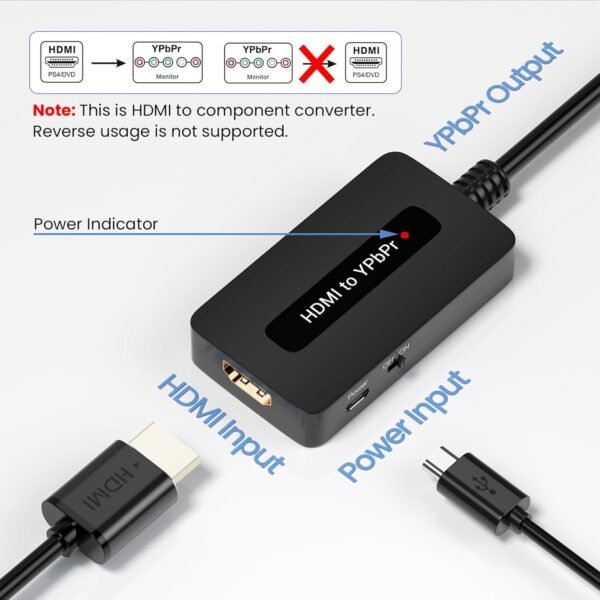
The second constraint is direction. The listing states plainly that the unit only converts HDMI to YPbPr and does not convert YPbPr to HDMI. That sounds obvious and it is the most common mistake people make with converters, because the two jobs look symmetrical and the hardware to do them is completely different. If your problem is an old DVD player or a games console with component outputs that you want on a modern HDMI television, this is the wrong device entirely.
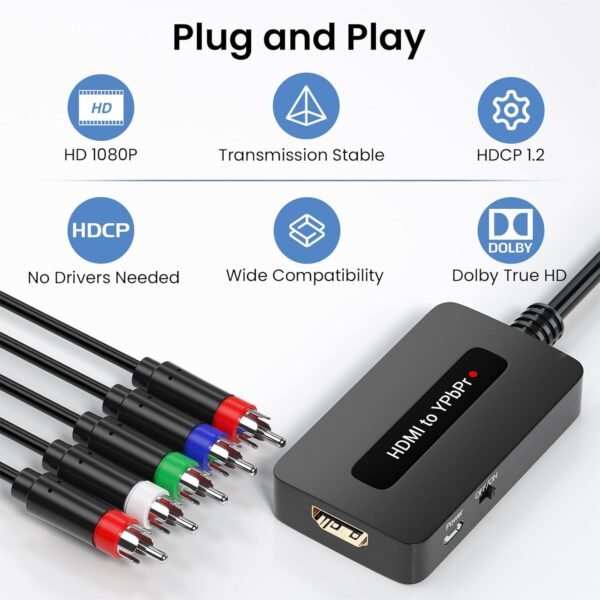
The supported input resolutions are listed explicitly: 480i, 480p, 576i, 576p, 720p, 1080i and 1080p, with the title and a bullet both stating that 4K is not supported. That list is worth reading, because it includes the European standard definition formats as well as the American ones, and because the ceiling at 1080p is a hard one. A modern source connected to this converter needs to be set to output no more than 1080p, and many devices default to the highest resolution the display reports.
Power comes from USB at 5 volts. That is convenient, since most televisions have a USB socket, and it means one less mains adapter. Audio is broken out to a separate red and white stereo pair rather than being carried on the video connectors.
The connection detail that causes most of the failures
The listing includes a warning that reads like fussiness and is not. It states that the component connector colors must be matched exactly, green, blue and red for video and red and white for audio, or the picture will be abnormal.
The reason is that component video is not three interchangeable signals. The green connector carries luminance and sync, and the blue and red connectors carry the two color difference signals. Swapping blue and red gives a picture with the colors inverted in a distinctive way, and getting green wrong gives no stable picture at all. Making matters worse, the red video connector and the red audio connector are the same color and sit next to each other, which is exactly the mistake the warning is pointing at.
There is one further compatibility issue that this listing does not mention at all, and it is the most common reason converters like this fail in practice. HDMI sources apply copy protection, and the analog output of protected content has been restricted for years. A games console, a cable box or a streaming stick may refuse to output protected material through a converter, or may output it at reduced resolution, depending on the device and the content. The listing names games consoles and a streaming stick among its intended sources and says nothing about copy protection either way. If a specific device is your reason for buying, that is the question to settle first.
Living with it: the physical details and a manufacturer you cannot look up
The physical specifications contain an obvious error. The description gives the dimensions in millimetres as 920 deep by 40 wide by 14 high. Nine hundred and twenty millimetres is over three feet, which is not a small converter box, and the stated weight of 95 grams confirms it: this is a palm sized object and the depth figure has an extra digit. The item weight in the specification table, 3.35 ounces, is the same 95 grams expressed differently, so the weight is consistent and the length is not.
The provenance is worth naming plainly. The model number is listed as “Generic” and the manufacturer as “Meng Meng”. This is an unbranded product, which is normal in the adapter and converter market and does have consequences. There is no brand to research, no firmware, no support site, and the stated one year warranty is only as good as the seller behind it. The package is stated to contain the converter and a user manual, with no HDMI cable and no component cable included, so budget for both.
Customer feedback is thin and mixed. The listing shows 16 ratings averaging 3.3 stars, ranked 661st within video converters, from a product first listed in January 2024. Sixteen ratings is not enough to draw a conclusion from, and 3.3 stars is low enough to be worth reading the individual comments before ordering.
One bullet on the listing claims the device provides the most realistic high definition visuals available. That is marketing on a passive format converter, which cannot improve a signal, only translate it.
When something else solves the problem better
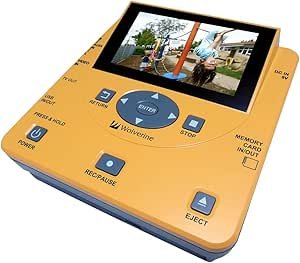
If the direction you actually need is the other way round, converting old analog sources for a modern display, this device cannot do it and the Wolverine TransMedia converter review covers digitizing analog material instead.
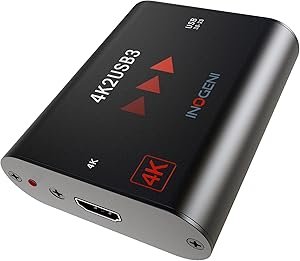
If the destination is a computer rather than a television, for capture, recording or streaming, a capture device is the right tool and the Inogeni 4K2USB3 review covers HDMI to USB conversion at professional quality.
And it is worth asking whether the converter is the right answer at all. If the goal is to get streaming onto an old television, a device with the right outputs built in is simpler than a chain of adapters, which is what the Roku 2 XD review covers at the legacy end. And if the old set is close to retirement anyway, the VIZIO D32f-F1 review covers an inexpensive replacement with HDMI inputs and streaming already inside it.
The rest of the range sits in the video converters category, and the alternatives in the streaming media players category.
Who should buy it and who should not
It suits someone with a working component input television, a source device whose output resolution can be set manually to 1080p or lower, and a specific reason to keep that television in service. It is small, it runs from USB power, and it does exactly one job.
It does not suit anyone needing conversion in the other direction, anyone with a 4K source that cannot be stepped down, or anyone connecting a device whose copy protection behavior is unknown, since the listing does not address that at all. It is also unbranded, with a wrong dimension in its own specification and only sixteen ratings behind it, so it deserves more checking before purchase than a branded product would.